.png)
How to download NID card online copy
Published: 05:42 PM, 6 February 2026
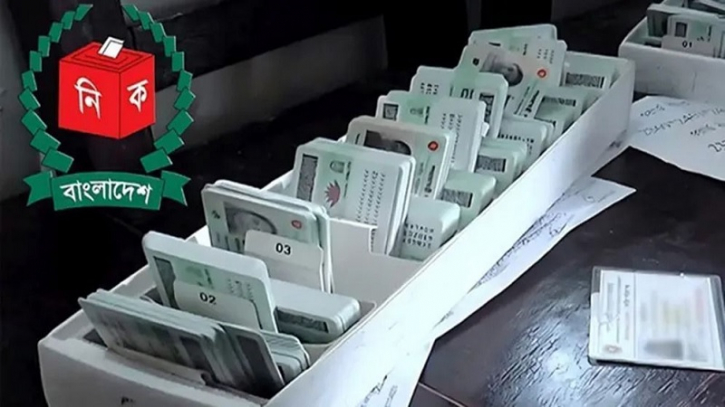
Voter ID card or National ID (NID) card is a state and legal document issued by the Bangladesh Election Commission to confirm the identity of citizens aged 18 years and above. It is not only used for exercising the right to vote, but also as the main identity card for obtaining passports, bank accounts, SIM cards, land purchases and government and private services.
Many people have completed all the voter ID card processes but have not yet received the card. But voter ID card is needed for various purposes including purchasing passports, bank accounts, SIM cards. For this, you can download the online copy of the voter ID card. You can do all the work with it.
To download the online copy or PDF of the voter ID card, go to the Election Commission's NID service site and register. Then, complete the face verification (using fingerprint or app) with the 17-digit number and date of birth and download the card from the profile.
Know the rules for downloading online NID card-
1. First, go to the registration site: services.nidw.gov.bd/nid-pub/registration and complete the registration with your NID card number, date of birth and mobile number.
2. Then Account Verification: Enter the OTP code sent to the mobile number.
3. Face Verification: Verify the account with face verification or finger through the NID Wallet app.
4. Download: After logging in, you can download the online copy of your NID card in PDF format by clicking on the ‘Download’ option and print it.
Those who have lost their NID card or have not received a smart card can use this method to download the online copy. The 17-digit card number or smart card form number is required to download. If the information is incorrect after downloading or verification is not successful, contact the Upazila Election Office.
.png "Advertisement")